Buried in folders
You remember saving it. You do not remember where.
Your bookmark manager. Your home page.
Save each link to a simple list or straight to a visual board. Then search, filter and find it from a home page that is yours.
Free forever plan. No credit card.
Browser bookmarks were built for less
You remember saving it. You do not remember where.
Your “read later” system is slowing everything down.
A grey title tells you nothing about why it mattered.
Keep the useful part of the web without keeping the mess.
Build your link homeHow it works
Keep a simple list, save straight to visual boards, or use both.
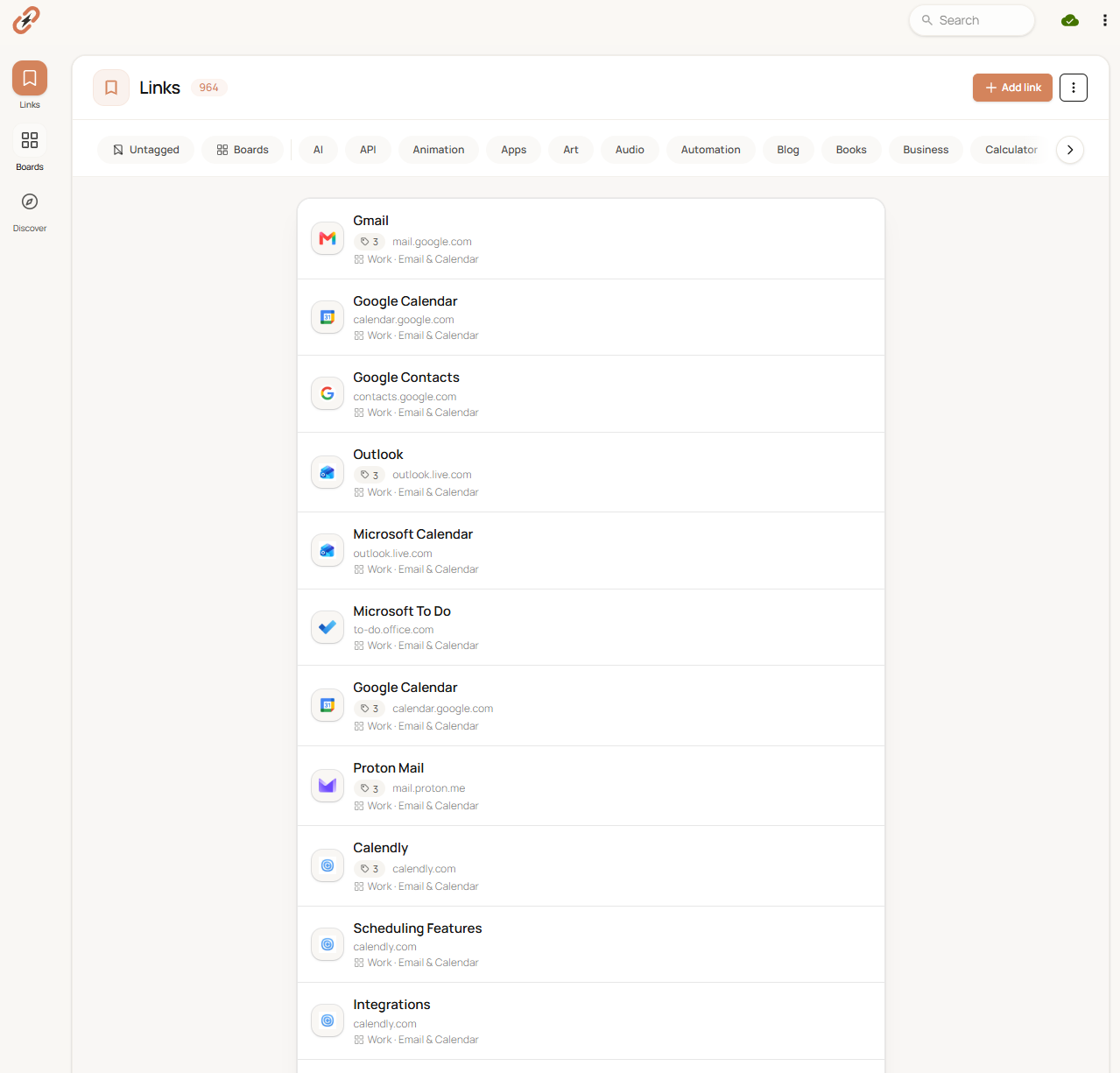
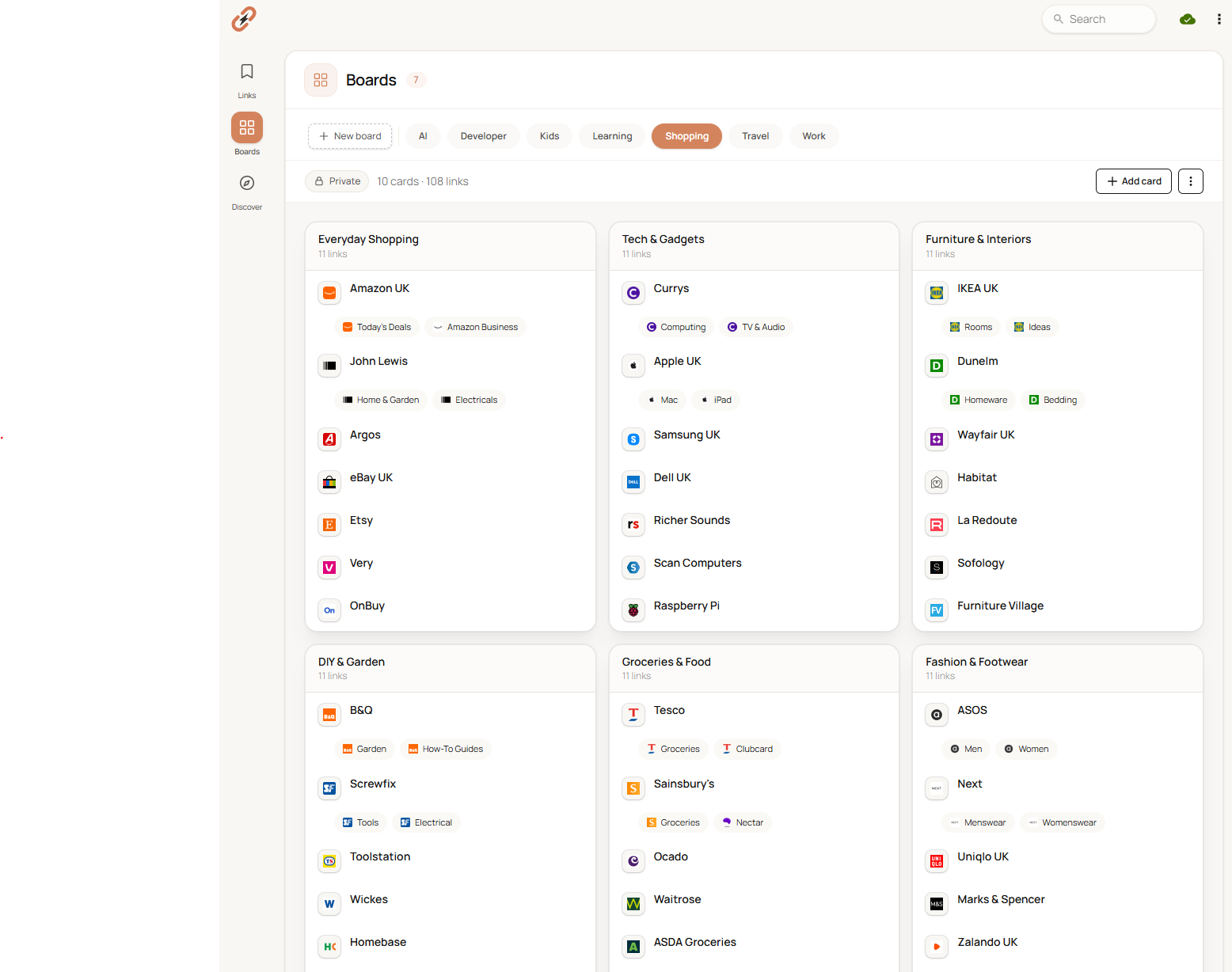
Save to Links when you want one fast, searchable list. Add tags only when they help.
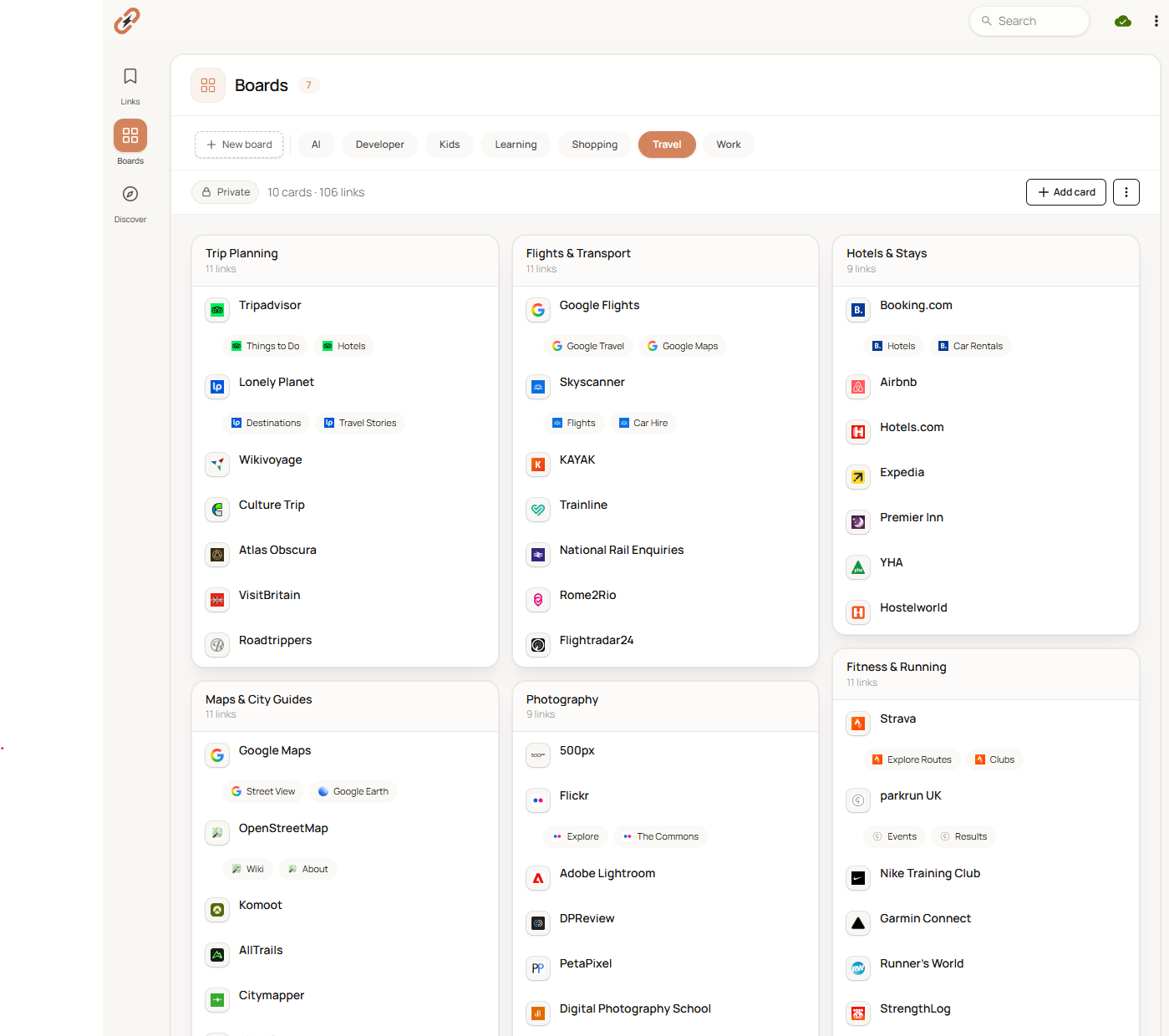
Send a link straight to a board when it belongs to a project, subject or routine.
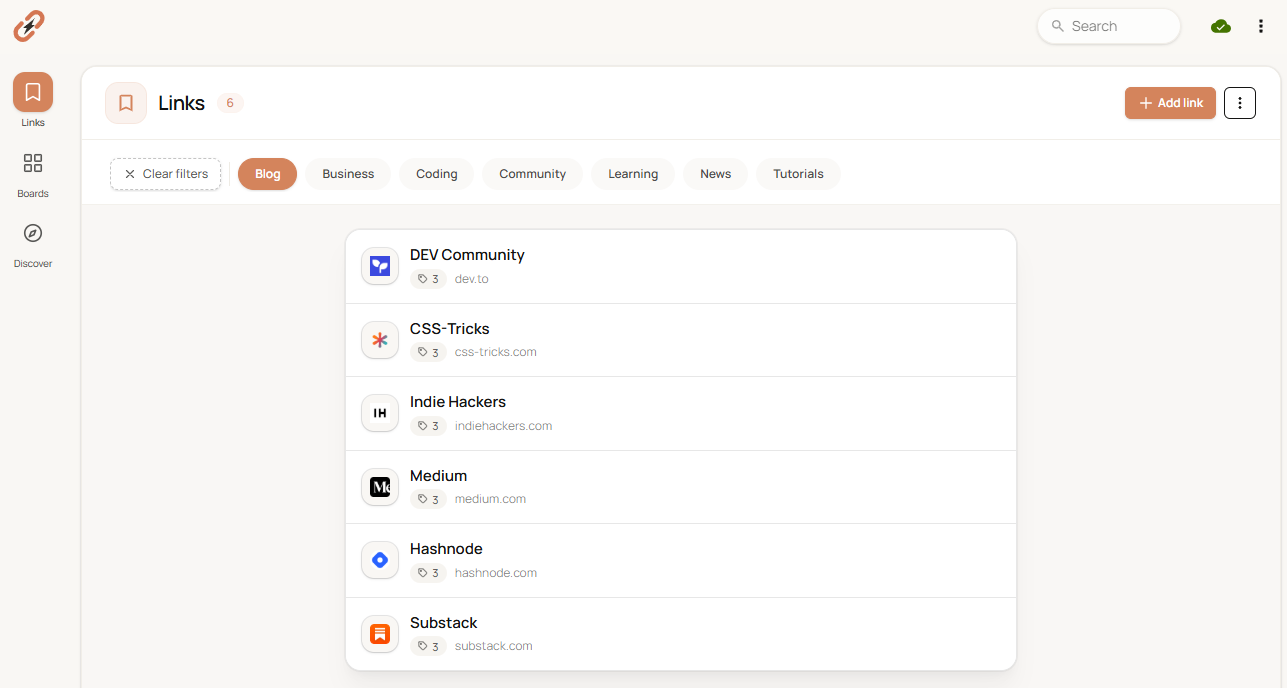
Search, chain tags, or scan your boards from the same personal home page.
Start with Links, Boards, or both.
Start freeSave faster
Use the browser extension or paste any URL. Choose Links for a simple list, or send it straight to the board where it belongs.
Prefer a visual view?
Save straight to a board when a project needs structure. One GitHub card can hold the repo, Actions, issues and project board.
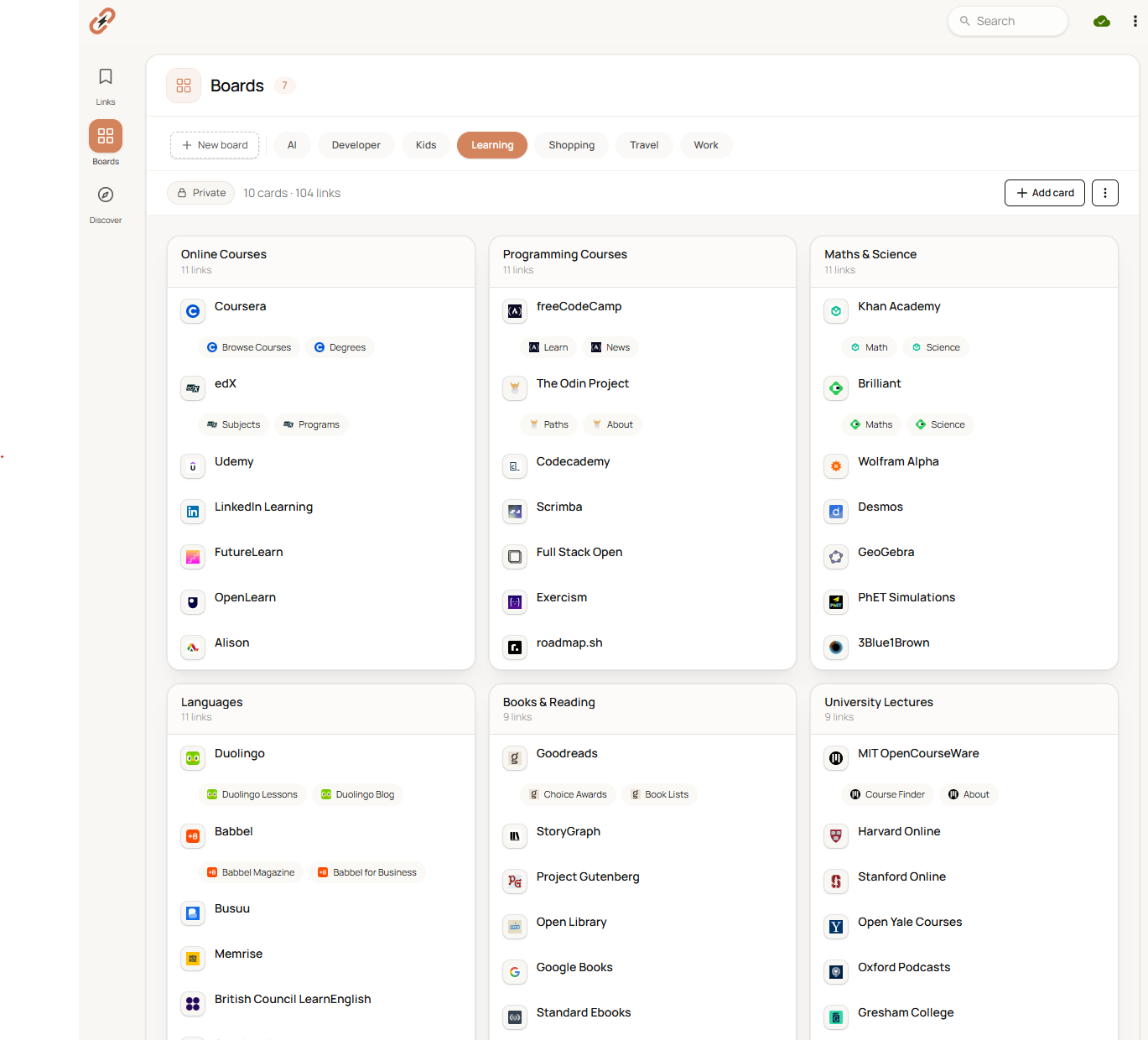
Stay in your flow
Open saved YouTube videos and X posts inside KeepMyLinks. Your collection stays right there, so one useful link does not become another hour of tab switching.
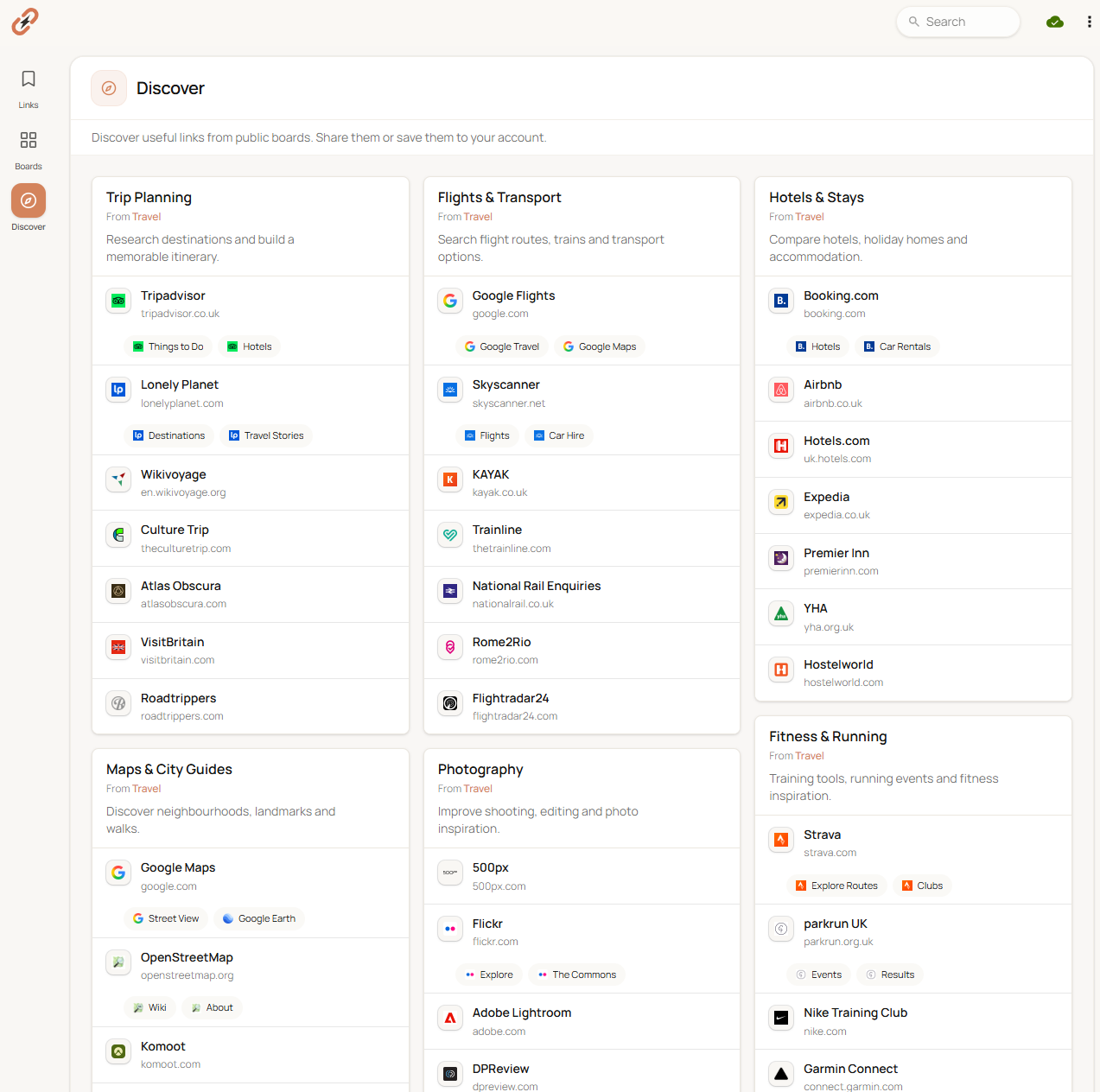
Borrow a head start
Browse curated public collections for travel, learning, development and more. Import the useful parts instead of rebuilding them from scratch.
Make it feel like yours
Choose a calm light theme, switch off the glare, or add more personality. Your home page should feel at home on your screen.
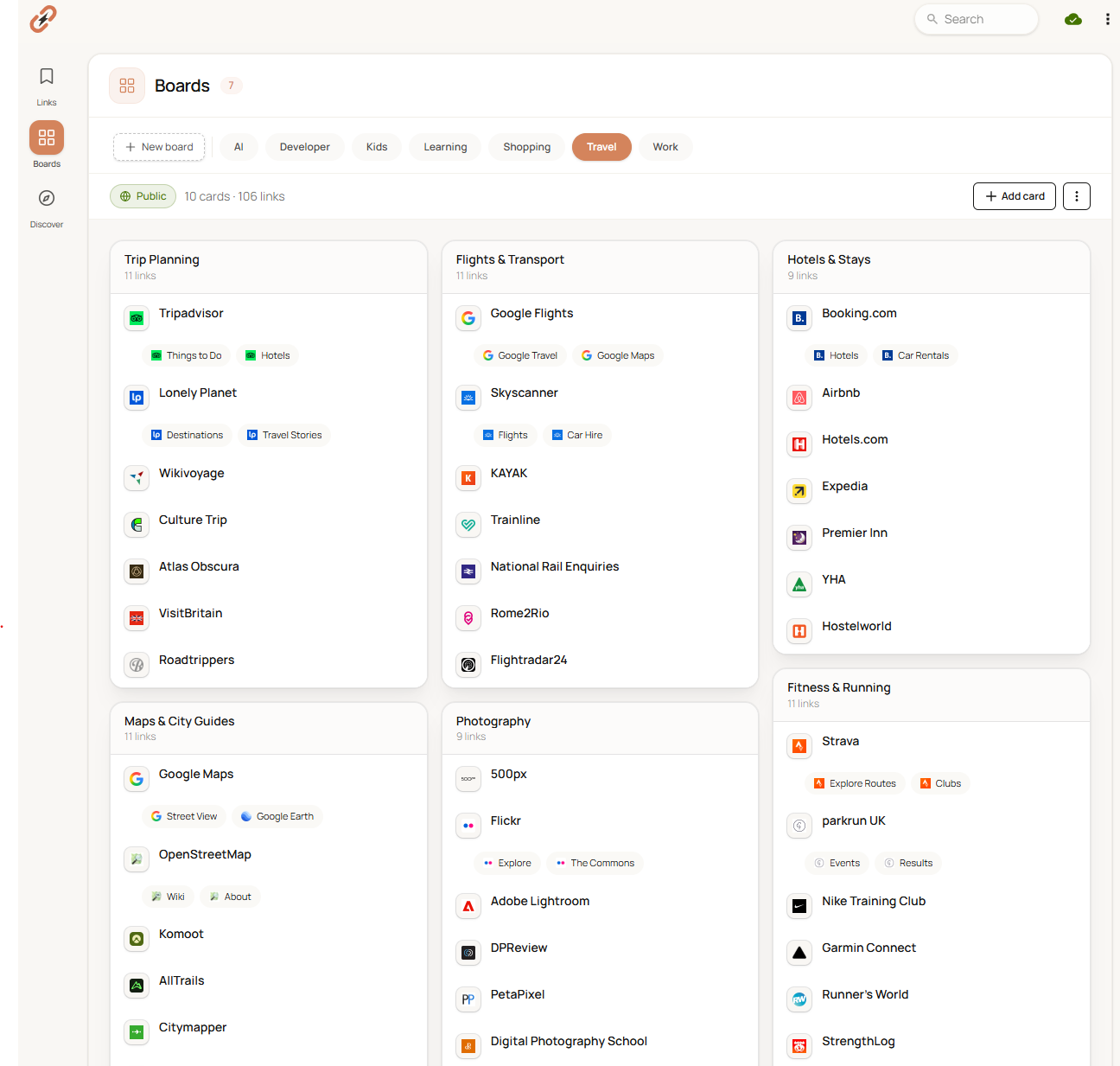
Private by default
Start with a private board. Keep research, job leads and personal reading to yourself, then publish a carefully curated board only when you want to share it.
One tab away
Set KeepMyLinks as your browser home page. Open a new tab and your projects, reading queue and everyday tools are already waiting.
Made for curious people
For developers
Send repos, docs and setup videos to a project board. Keep one-off fixes in Links.
For students
Keep sources in Links and tag by chapter, or build one visual board for each module.
For researchers
Use Links as a searchable evidence bank, or Boards to group papers and datasets by question.
Give your next project a place to live.
Start freeSimple pricing
No trial timer. No card required. Your links stay exportable.
Free
forever
Pro
per year · cancel anytime
Prefer to pay once?
Everything in Pro. No renewals, ever.
Yes. The free plan includes 100 links, 50 standalone links, one private board, unlimited public boards, tags and search. No credit card is required.
Your first board is private on Free. Extra Free boards are public, so you always know what can be discovered. Pro gives you unlimited private boards. We do not sell your data or use it for ads.
Yes. Export your bookmarks as an HTML file from your browser, then import them into KeepMyLinks. Your folders, links and supported tags come with you.
There are builds for Chrome, Edge and Firefox. The Chrome build also works with Chromium browsers such as Brave, Vivaldi and Opera. Safari is not supported yet.
Any time. Export your links in browser-friendly formats so your collection is never locked in.
Yes. Cancel the yearly plan at any time from your account. You can also choose the $49 lifetime option and never pay a renewal.
Try it with the next useful link you find.
Start freeClose the tabs
Save the next link in seconds. Find it exactly when you need it.
Start free Free forever plan · No credit card · Export any time